Google Workspace CLI: Bringing Gmail, Docs, and Sheets into a Unified Command Line
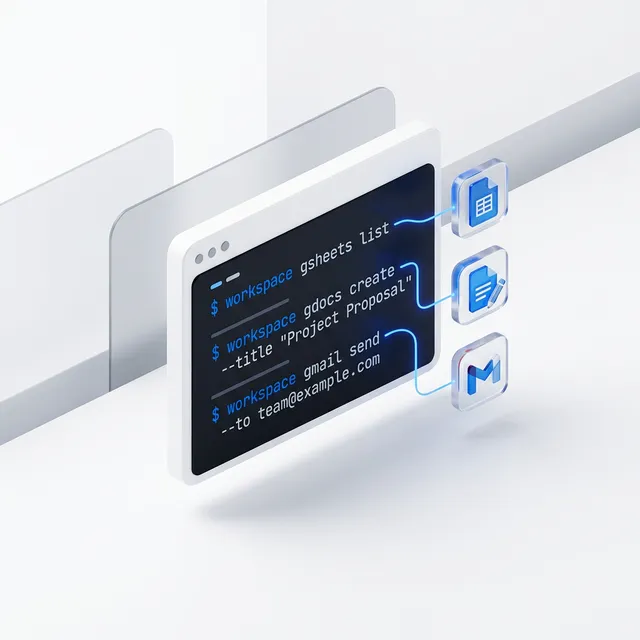
Google just dropped a game-changer for anyone who lives in terminals—or anyone building AI agents that do. (I have a feeling my terminal is about to get a lot busier…)
The newly released Google Workspace CLI, aptly named gws, finally brings Gmail, Google Docs, Google Sheets, Drive, and Calendar into a single, unified command-line tool. While developers have been cobbling together disparate APIs for years, this CLI wraps them into a structured, JSON-native experience designed specifically for automation and AI orchestration.
You can read the original reporting on this shift at VentureBeat.
One Tool to Rule the Workspace
Section titled “One Tool to Rule the Workspace”The gws CLI isn’t just a wrapper; it’s a dynamic bridge. By reading Google’s Discovery Service at runtime, it automatically inherits new API features the moment they go live.
- Native JSON Support: Every command can output structured JSON, making it “agent-ready” for tools like Claude, Gemini, or custom Python scripts.
- Unified Auth: No more managing seven different OAuth scopes across disparate libraries. One tool handles the Workspace breadth.
- Action Recipes: It comes pre-packaged with “Agent Skills”—recipes that help AI agents understand how to archive emails, create calendar events, or parse spreadsheets without manual coding.
For a deeper dive into how these tools fit into the broader landscape, check out our Tool Overviews.
How Google Workspace CLI Helps You:
Section titled “How Google Workspace CLI Helps You:”Business Leaders and Professionals
Section titled “ Business Leaders and Professionals”The “human” benefit here is speed. Imagine a business leader being able to run a single command to “Summarize my last 5 emails from the CFO and draft a response in Docs.” While we aren’t all terminal experts, this tool provides the “plumbing” that will power the next generation of custom executive dashboards and automated reporting. It’s a massive step toward the kind of Data & Ops efficiency we champion.
Technical Teams and Developers
Section titled “ Technical Teams and Developers”This is a dream for DevOps and internal tool builders. You can now script Workspace management—archiving old project folders, listing permissions across a Drive, or syncing Sheets data into a database—using standard shell scripts. Because it’s JSON-first, it integrates perfectly into CI/CD pipelines. If you’re building agentic apps (check our AI Glossary), gws is now your most important library.
Students and Learners
Section titled “ Students and Learners”Learning how to manage data is a core skill. The gws CLI provides a fantastic, free way to learn how APIs work in a familiar environment (Google Docs/Sheets). By using the CLI, you learn the structure of data orchestration, which is the foundational skill for becoming an AI workflow architect.
Get Started for Free
Section titled “Get Started for Free”The Google Workspace CLI is an open project (currently noted as not “officially supported” but developed by Google). You can install it via npm and start testing it with your own Google account immediately. It’s the perfect playground to start building your own Leadership Prompts and automations.
Feel free to follow my posts and install this PWA on your mobile to get immediate updates. Repost regularly on AI news, tooltips, prompts, and much more!