Ask Maps and Immersive Navigation: Google Maps’ Biggest AI Upgrade Yet
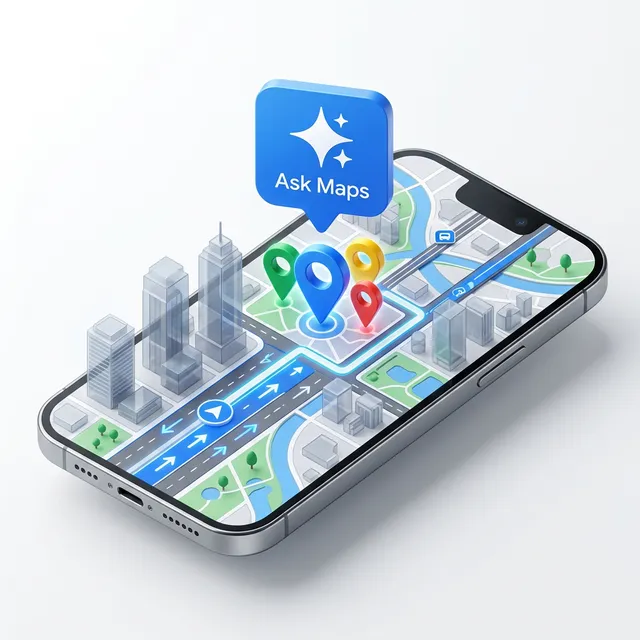
The map is no longer just a digital paper grid; it’s becoming a conversational partner. Google has just announced its biggest navigation upgrade in over a decade, integrating Gemini models directly into Google Maps to create two groundbreaking features: Ask Maps and Immersive Navigation. (Finally, I can just ask where to charge my phone without reading 50 reviews! 🔋)
These updates don’t just add buttons—they fundamentally change how the app understands the world. You can read the full deep dive from Google The Keyword.
How Google Maps AI Helps You:
Section titled “How Google Maps AI Helps You:”From finding “hidden gem” stops on a road trip to navigating complex downtown interchanges, these foundation model enhancements are bringing “agentic” intelligence to our pockets.
Ask Maps: Conversational Search
Section titled “ Ask Maps: Conversational Search”“Ask Maps” replaces standard keyword searches with a conversational experience. Instead of searching for “vegan restaurants,” you can ask: “My friends are meeting me after work. Any spots with a cozy aesthetic and a table for 4 at 7 tonight?”
- Community Intelligence: Maps analyzes data from over 300 million places and contributions from 500 million users to give you “insider tips.”
- Deep Context: It can answer hyperspecific questions like, “Where can I charge my phone without a long line for coffee?” or “Is there a public tennis court with lights on tonight?”
- Personalization: It remembers your preferences (like that vegan diet!) to filter results before you even ask. (It’s like your local ‘expert’ friend is always on call!)
Immersive Navigation: 3D Visual Guidance
Section titled “ Immersive Navigation: 3D Visual Guidance”Driving is getting a massive visual overhaul. Immersive Navigation uses Gemini to analyze billions of Street View and aerial photos, creating a vivid 3D view of your route.
- Spatial Awareness: It highlights lanes, crosswalks, traffic lights, and stop signs in 3D, so you never miss a merge.
- Natural Voice Guidance: Instead of “In 500 feet, turn right,” you’ll hear, “Go past this exit and take the next one for Illinois 43 South.” (Much more human, right?)
- Tradeoff Analysis: Maps now explicitly shows you the cost of your choices—like whether an alternate route has a toll or more traffic.
How This Impacts You:
Section titled “How This Impacts You:”Business Leaders and Professionals
Section titled “ Business Leaders and Professionals”For logistics and field operations, this is a productivity boost. Enhanced “spatial understanding” means fewer missed turns and more accurate ETAs for your team. The tradeoff analysis feature allows for better cost-management on the fly (Tolls vs. Time). It’s a great example of Data & Ops optimization that we discuss in our vault. (Time is money, and AI just saved you some!)
Technical Teams and Developers
Section titled “ Technical Teams and Developers”Note how Google is using “automated red-teaming” to secure these conversational interfaces. If you are building location-based services, the way Google UI handles “Ask Maps” provides a masterclass in combining large language models with structured geospatial data. It’s the perfect use case for our AI Glossary term: “Agentic Workflows.”
Students and Learners
Section titled “ Students and Learners”Using “Ask Maps” is a fantastic way to learn about data synthesis. See how the AI takes millions of disparate reviews and turns them into a cohesive “vibe check” for a location. It’s a practical laboratory for seeing foundation models in action. Check our Weekly Insights Hub for more tips on using AI effectively in your daily life.
Feel free to follow my posts and install this PWA on your mobile to get immediate updates. Repost regularly on AI news, tooltips, prompts, and much more!